
1xbet Korea Mobile Guide
1xbet Korea Mobile
There are three real ways to use 1xbet on a phone, and the right one depends on your device, how often you plan to play, and — for iPhone users — whether the native app is currently listed in your regional App Store. This page compares the three paths side by side, so you can pick the one that actually fits your situation instead of defaulting to whichever one showed up first in a search result.
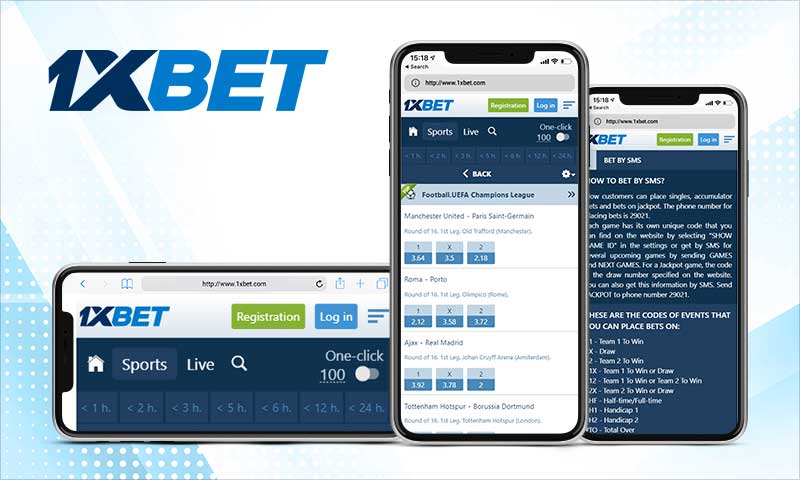
The mobile site (browser) is the zero-install option. Open Chrome, Safari, Samsung Internet, or any modern browser, go to the official 1xbet address, and everything works — sports, live betting, casino, 1xGames, deposits, withdrawals. Nothing installed on the device, nothing to update, works identically across Android and iPhone. This is the right choice for anyone who plays occasionally, is on a shared or work device, or is just trying the platform for the first time.
The Android APK is the best experience for regular Android users. It's a native app installed once from the official site (not from Google Play, which doesn't host betting apps), and once installed it gives you saved login, push notifications for match events and payout confirmations, faster screen transitions, and biometric unlock on supported devices. The tradeoff is a one-time install step involving a permission you should turn back off afterward.
On iPhone, native app availability depends on your App Store region. If it's available, install from the App Store the normal way. If it isn't, the Safari Add to Home Screen shortcut turns the mobile site into a full-screen web app that behaves almost identically to a native app for day-to-day play.
Comparison
| Method | Best for | Install |
|---|---|---|
| Mobile site (browser) | Occasional use, any device | None |
| Android app (APK) | Regular Android users | Download + one-time permission |
| iOS app | iPhone, when App Store lists it | Install from App Store |
| Safari shortcut | iPhone, when the app isn't listed | Add to Home Screen |
Which to pick
- Playing daily → the app. Faster, saves login, sends notifications.
- Occasional or shared device → the browser. Nothing to install, nothing to remove.
Before you start
- Age 19+ to register and play in Korea.
- Stable network needed for the initial SMS verification during registration.
- Currency is chosen once at signup and cannot be user-changed afterward — read the registration guide before you sign up.