
1xbet iOS Guide
1xbet iOS
On iPhone, the deciding question is whether the 1xbet app is currently listed in your regional App Store. Apple's regional availability for betting apps changes more often than most players expect, so a method that worked six months ago may not be the one that works today. This page covers both paths — the standard App Store install and the Safari home-screen shortcut used when the app isn't listed in a given region — so you can pick whichever is available to you right now without guessing.
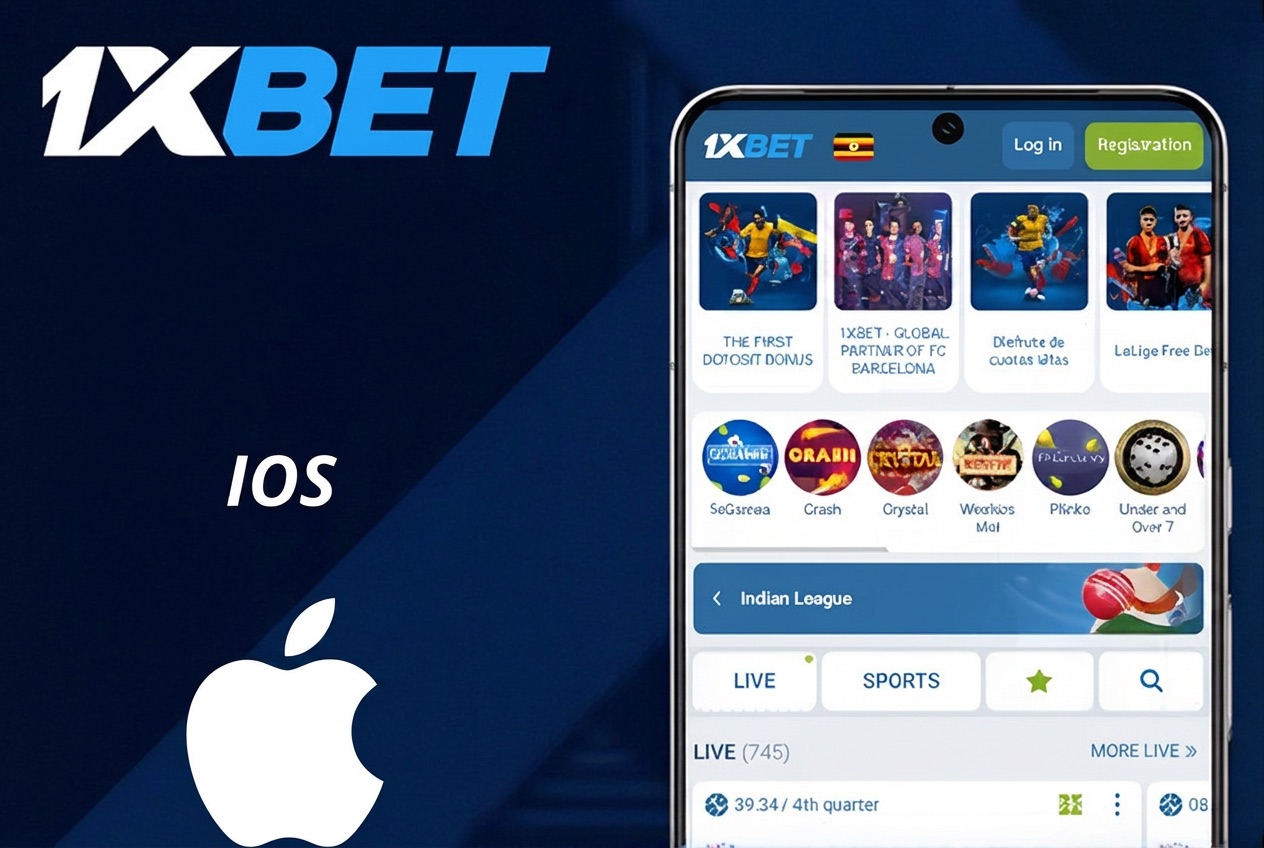
The App Store route is the preferred one when the app is available. It gives you automatic updates, standard Apple security guarantees, native push notifications, and biometric unlock through Face ID or Touch ID. If the app isn't showing up under a direct search in your account's country, you may need to switch your Apple ID country/region to one where the app is listed — this is a standard iOS setting and reversible at any time, but note it also changes which apps and payment methods are available for that account, so it's a decision worth understanding before flipping the switch.
The Safari shortcut route is the fallback. It doesn't install an app in the App Store sense — it saves a web-app icon to your home screen that opens the mobile site in a full-screen view without the browser bar. Practically, it looks and behaves like an app for most user flows: login stays saved, navigation is smooth, and you can bet, deposit, and cash out just as you would on the site. It doesn't send native push notifications, and it doesn't appear in the App Store's update system, but it's a fully working option when the native app is regionally unavailable.
A note on developer profile trust prompts: if iOS ever asks you to trust a developer certificate during an install, only trust it for a file downloaded from the official 1xbet site — anything else is not the operator.
Method 1 — App Store install
- Open the App Store.
- Tap your account icon.
- Tap your name → Country/Region and switch to a region where the app is listed, if needed.
- Search for 1xbet and install.
- Sign in or create an account from the app.
Method 2 — Home-screen shortcut (when the app isn't listed)
Open the official site in Safari → tap the Share icon → Add to Home Screen. An icon lands on your home screen and opens the site as a full-screen web app.
Things to check
- iOS 12 or newer recommended.
- App name may show slightly differently by region and time period.
- Trust a developer profile only for files from the official 1xbet site.
- Enable Face ID / Touch ID unlock for faster login.
Android? → Android guide.