
1xbet APK Guide
1xbet APK
The 1xbet Android app is distributed as an APK file directly from the official 1xbet website — not through Google Play. This is not a workaround or a mirror choice; it is the only legitimate path. Google Play policy does not allow real-money sports betting apps in most regions, so no version of 1xbet you might find on the Play Store would be operated by the brand itself. Anything installed from a third-party forum, file-sharing site, or repacked APK bundle carries a real risk: modified code, injected trackers, credential theft, or a build that simply won't authenticate against 1xbet's servers.
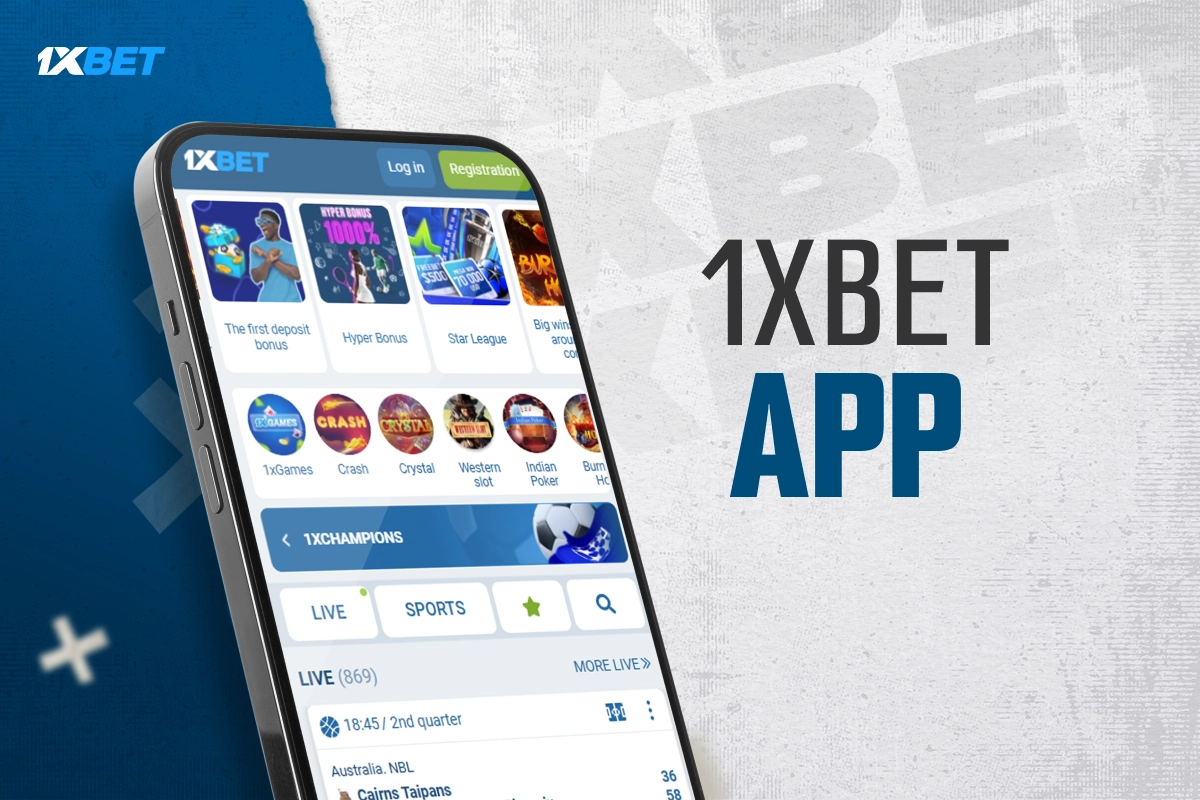
This page explains the official installation flow and the checks that keep it safe. The full process takes three steps and usually finishes in under two minutes on a normal mobile connection: download the APK from the official site, give your browser a one-time permission to install apps from outside Google Play, then open the file and confirm the install. After that, you either log in with an existing account or create a new one directly inside the app.
The app itself gives you the same account, the same balance, and the same catalog you'd see in a mobile browser — sports, live betting, casino, 1xGames, live dealers — but with faster navigation, push notifications for match events and payout confirmations, saved login, and biometric unlock on devices that support it. For anyone who plays more than occasionally, the app is noticeably lighter to use than the mobile site.
Two important notes before you start. First, .apk sideloading requires enabling a permission your device normally keeps off, and you should turn that permission back off after the install is finished — leaving it on lets any browser install any package silently. Second, keep auto-updates enabled inside the app so security patches and new markets reach you without a manual reinstall.
Installation in 3 steps
- Download the APK file. Scroll to the Mobile Applications section at the bottom of the site → tap the Android button → save the file.
- Allow "Install unknown apps." In Android settings, grant a one-time permission to the browser you used for the download.
- Run the installer. Open the downloaded file and tap Install. Done.
Open the app, then sign in or create an account.
Safety checklist
- Source: official site only. APKs from forums, cheat sites, or file-share links are unsafe even if the name matches.
- Turn permission off after install. Return to Android settings and revoke "Install unknown apps" for the browser you used.
- Keep auto-update on. Older APKs miss security fixes and may fail against updated backend checks.
- Check the developer name if your device shows one during install — it should point to the operator identity you saw on the official site, not a random handle.