
1xbet Android Guide
1xbet Android
The 1xbet Android app is a native APK installed from the official 1xbet website. Because Google Play policy does not host real-money sports betting apps in most regions, the Play Store is not part of the path — the only safe download source is the operator's own site. This page lists the actual system requirements you need to check on your device, the compact installation flow (three real steps, no hidden ones), and the small set of things to try if the app misbehaves after install.
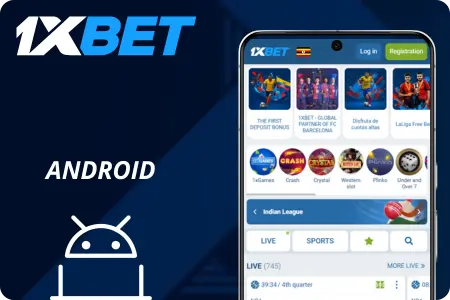
Requirements on Android are modest. Any phone or tablet running Android 5.0 or newer will run the app, which is what covers essentially every device sold in Korea in the last decade. You need around 100 MB of free storage for the install plus normal working headroom, a stable network connection for the initial SMS verification if you register on the app itself, and a one-time permission to install apps from outside Google Play (which you should switch back off afterward).
The install itself is a straightforward file-open operation: download the APK from the mobile applications section on the official site, grant "Install unknown apps" to the browser you used for the download, then open the file and tap Install. When it's done, launch the app and either log in or create a new account directly from the app's welcome screen.
If the app fails to open, crashes on launch, or refuses to log in after an OS update, the causes are almost always one of four things: an Android version below 5.0, not enough free storage, a corrupted cache, or an outdated APK left behind from months ago. The section below walks through each in order.
Requirements
| Item | Requirement |
|---|---|
| Android version | 5.0 or newer |
| Free storage | ~100 MB |
| Download source | Official site only |
| Permission | One-time "Install unknown apps" |
Install flow
Official site → Mobile Applications → Android → download APK → allow install permission in your browser → open the file → Install → sign in or register.
If the app won't open
- Check Android version and free storage — below 5.0 or under 200 MB free is the most common cause.
- Clear cache: Settings → Apps → 1xbet → Storage → Clear cache.
- Reinstall the latest APK if your current build is older than a few months.
- Still stuck? Contact 24/7 support at 00308 321 0407.
iPhone? → iOS guide.